






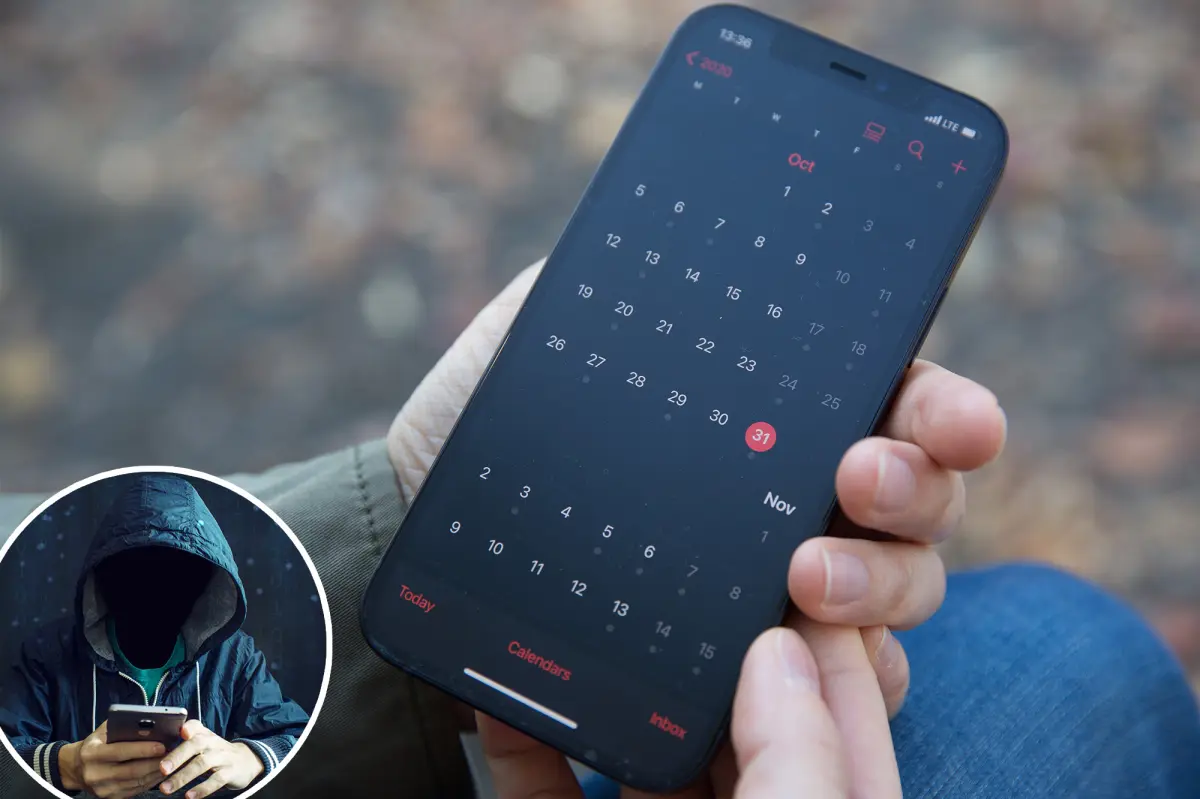
Sticky Fingers in Your Calendar
Imagine your iPhone’s calendar app, once a faithful companion for scheduling dentist checkups and dinner dates, suddenly turning into a carnival barker’s megaphone. Instead of a gentle reminder about your yoga class, it flares up with screams like “You’ve won a prize!” or worse, “Your device is infected—bank account alert!” This isn’t just annoying; it’s a full-blown digital scam targeting Apple users, as reported in Newsweek. But how does it happen without downloading some shady app? The crooks are clever: they lure you into subscribing to fake calendars through sneaky pop-ups or spam links. One wrong tap, and boom—you’ve handed over your lock screen to spammers. I remember hearing about a friend who casually clicked a link in a dodgy email while bored at a coffee shop, only to wake up to a barrage of junk cluttering his schedule. It feels personal, like a violation in your daily life, turning a tool meant for organization into a source of chaos.
The Sneaky Subscription Trap
The mechanics are deceptively simple, yet alarmingly effective. Scammers bypass Apple’s App Store safeguards by exploiting calendar subscriptions. Unlike apps that get vetted, these rogue calendars sneak in without a gatekeeper. You’ll encounter them via ads on sketchy websites or emails that mask as legitimate notifications. Curiosity gets the best of many—maybe you’re wondering about that “urgent update” or an enticing lottery you never entered. Once subscribed, it’s like inviting a pushy salesperson into your home: your phone blasts fake event invites urging you to “claim your reward,” “fix a security breach,” or even dial a suspicious number. I’ve seen folks on social media recounting how a single click leads to dozens of notifications a day, making their iPhones feel like a broken alarm clock that won’t shut up. It’s not about breaking into your device; it’s about preying on habits, knowing that panic or excitement can override caution.
Flood of Folic, Not Functions
What follows is a calendar transformed from a helpful planner into spam central. Forget “Team Meeting at 3 p.m.”—now it’s “Your iPhone is Compromised!” These events pop up with eerie urgency, mimicking official alerts from Apple itself. They might warn of viruses, offer prizes, or demand immediate action to “protect” you. The fakeness is evident if you step back: Apple never sends virus warnings via calendar. But scammers make them look semi-legitimate, borrowing from real Apple styles to fuel confusion. A Reddit user I came across described waking up to random entries labeled with gibberish names, alerting about “mystery rewards” despite never signing up. It’s frustrating, like having a nosy neighbor showing up uninvited at all hours. Over time, new spam replaces the old, creating a relentless cycle that disrupts not just your schedule but your peace of mind—imagine trying to plan a family trip while your phone nags about bogus threats.
Why It Feels So Real and How Users Cope
The illusion of authenticity stems from how calendar subscriptions evade Apple’s rigorous checks, unlike apps that face scrutiny. This loophole allows scams to blossom, as scammers exploit it to target habit-driven users. On platforms like Reddit, stories abound: one person reported unsubscribed calendars reappearing, forcing manual deletions from their calendar list or settings. Another shared how these fake events mirrored email spam, leading them to block sender addresses in their mail app for good measure. It’s a community rallying—users swapping tips, like tapping an event to unsubscribe directly or syncing with Outlook sparingly. I empathize; it’s embarrassing to admit falling for it, but it humanizes the struggle: we’re all guilty of hasty clicks when multitasking or under stress. These real-life anecdotes turn the scam from cold cybercrime into relatable horror stories of digital disruption.
Hitting the Reset Button: Step-by-Step Fixes
Don’t panic—fixing this is doable and often quick. Start by opening your Settings app and navigating to Calendar > Accounts > Subscribed Calendars. Spot any unfamiliar names, weird email addresses, or entries you didn’t subscribe to? Delete them outright. That usually halts the junk flood. Alternatively, fire up the Calendar app, pull up your calendar list (often shown as a list of calendars with interactive toggles), and remove any ghosts. For lingering stragglers, manually delete events or check your spam folder for matching email invites—funny how they sleuth their way in without your “yes.” Experts recommend blocking the culprit’s email address via your Mail settings to prevent sneak re-adds. I’ve heard from users who resolved it this way, reclaiming their schedules after a few minutes of tinkering. It’s not rocket science, but it requires patience; think of it as decluttering your digital space, much like organizing a messy closet.
Staying Vigilant in a Scammy World
This trend is rising as scammers adapt to tightened app defenses, shifting from direct hacks to manipulating our curiosity and fear. The lesson? Treat calendar alerts like suspicious telemarketers—ignore prizes you didn’t enter, viruses you didn’t spot, or emergencies you didn’t provoke. If it feels off, it probably is. Apple emphasizes keeping devices updated for better protection, and user forums stress caution with pop-ups or links. In the end, your iPhone calendar should enhance your life, not terrorize it with “cyber nonsense.” By unsubscribing promptly and blocking wisely, you shut the door on these digital intruders. I’ve chatted with folks who’ve bounced back stronger, treating it as a wake-up call to smarter browsing. It’s a reminder that in our connected world, a little skepticism goes a long way—keep your schedule sane and scam-free. If the barker’s still at your door, remember: it’s not Apple tapping your shoulder, but crooks trying to weasel in. Show them out, and get back to planning that well-deserved brunch.